Should I pay this shop?
Check the link, the domain, its past and the company behind it.
 Fieldkit
OSINT tools for Windows
Each one does one job. Say what you have, and the kit shows where to start.
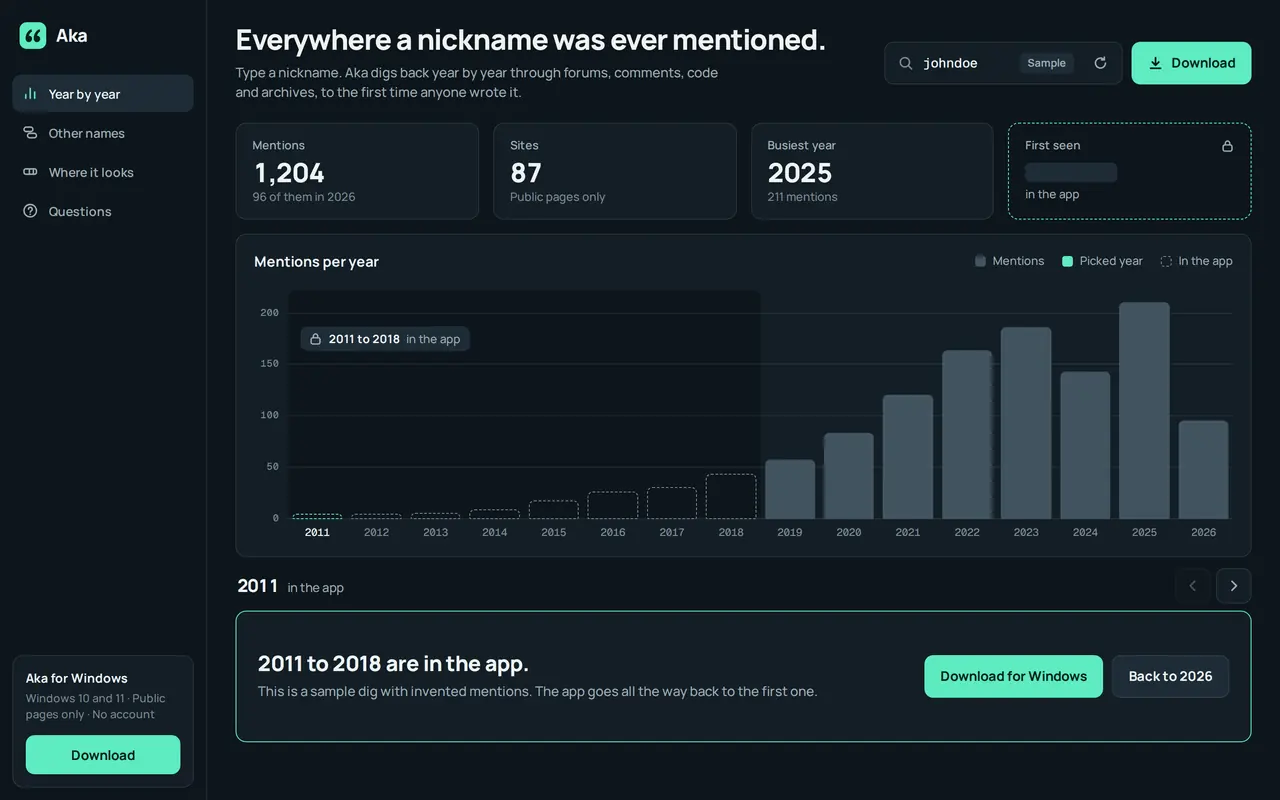
A clip of the demo on the Aka page. Everything in it is sample data. Windows · coming soon.
Some jobs take more than one tool. A kit puts them in order.
Check the link, the domain, its past and the company behind it.
Trace a wallet, follow it across chains, watch it, score it.
Every mention, its gaming profiles and who links its accounts.
The registers, what it owns and owes, and what ties it to others.
Check whether it was edited, then work out where it was taken.
See what a stranger can find, then stop your files telling more.
Sorted by what they work on. Every card opens the tool’s own page.
Nothing in the kit matches “”.The search looks at names, what each tool does, what you give it and what you get back.
OSINT tools for Windows that start from a nickname, a name or an account. They find where it was written, who else shares it and who it is publicly linked to.
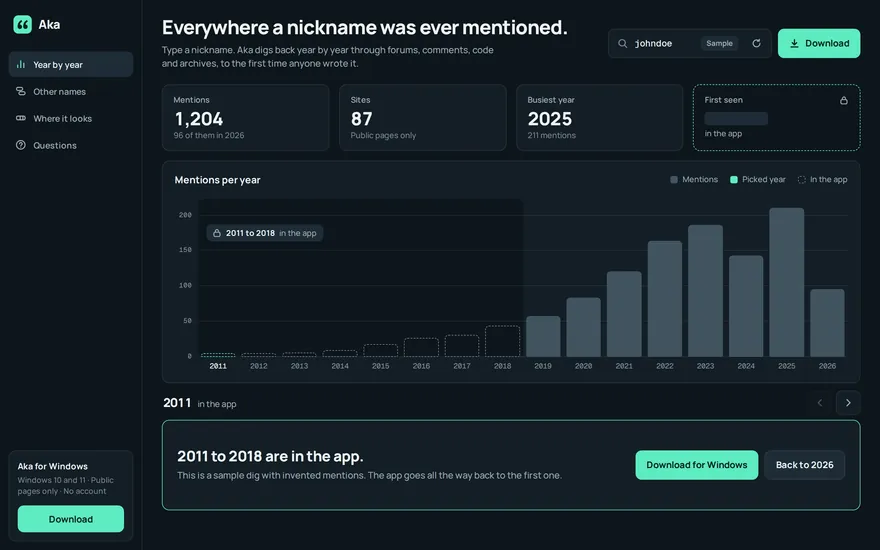

Username search
Finds every public mention of a nickname, year by year, back to the first one.
Open website
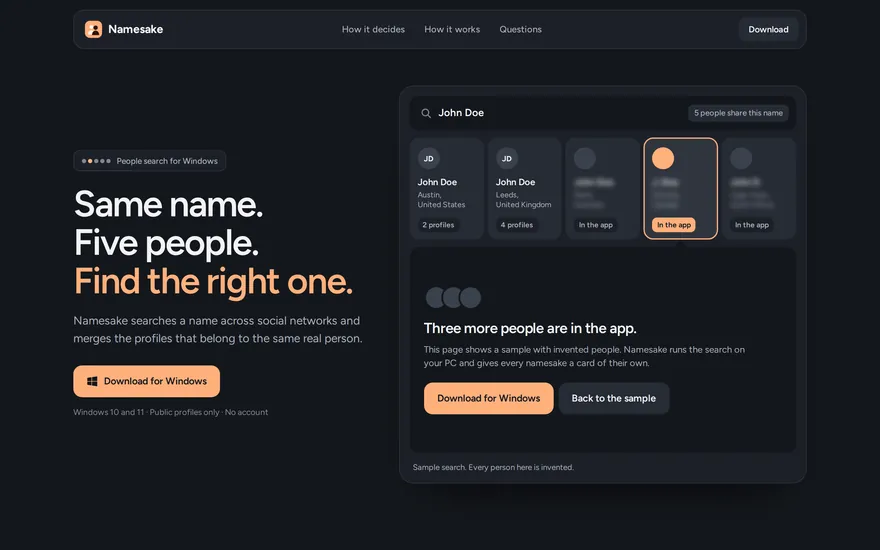

People search
Searches a name across social networks and tells apart the people who share it.
Open website
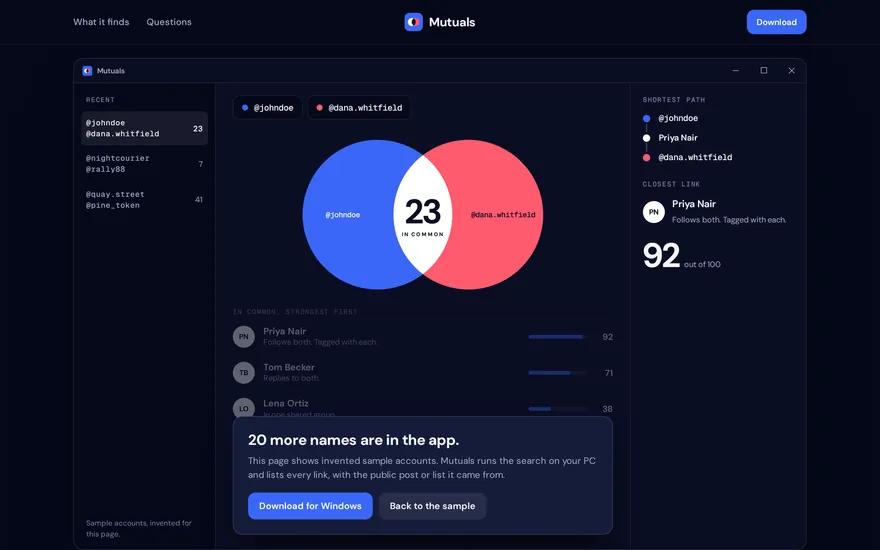

Social connections
Shows everyone who links two public accounts, strongest link first.
Open website
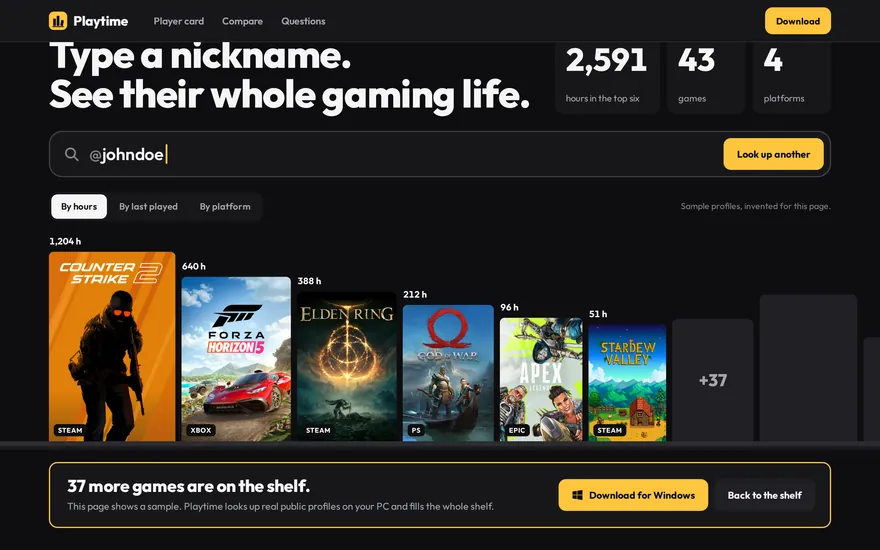

Gaming profiles
Finds the public gaming profiles behind a nickname, with the games and the hours played.
Open website
Photo and video verification: was the picture edited, is it older than it claims, and where was it taken.
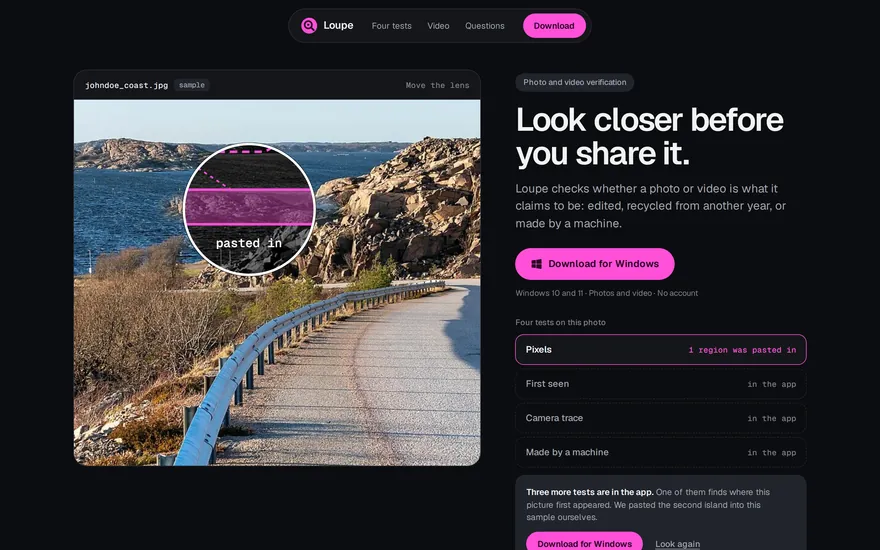

Image verification
Checks whether a photo or video was edited, recycled from another year or made by a machine.
Open website
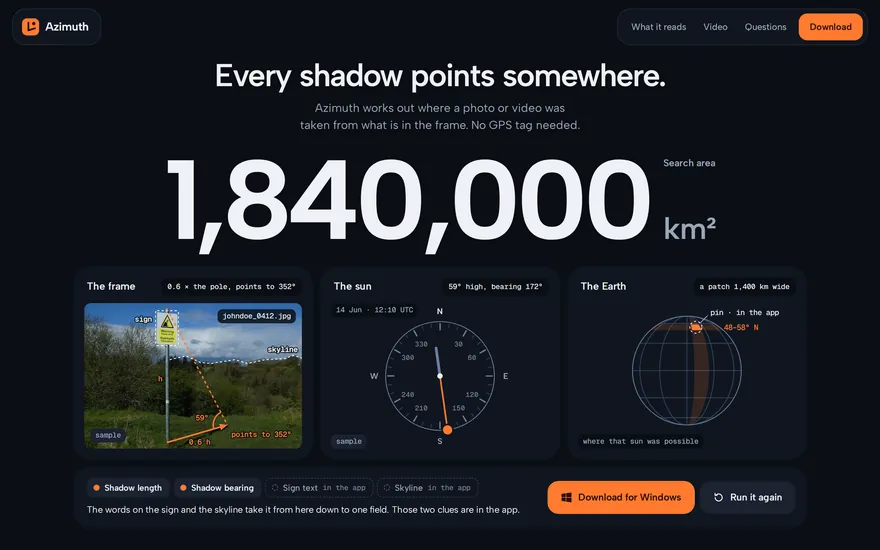

Photo geolocation
Works out where a photo or video was taken from what is in the frame.
Open website
Company due diligence from public registers: who runs a company, what it owns and what is secured against it.
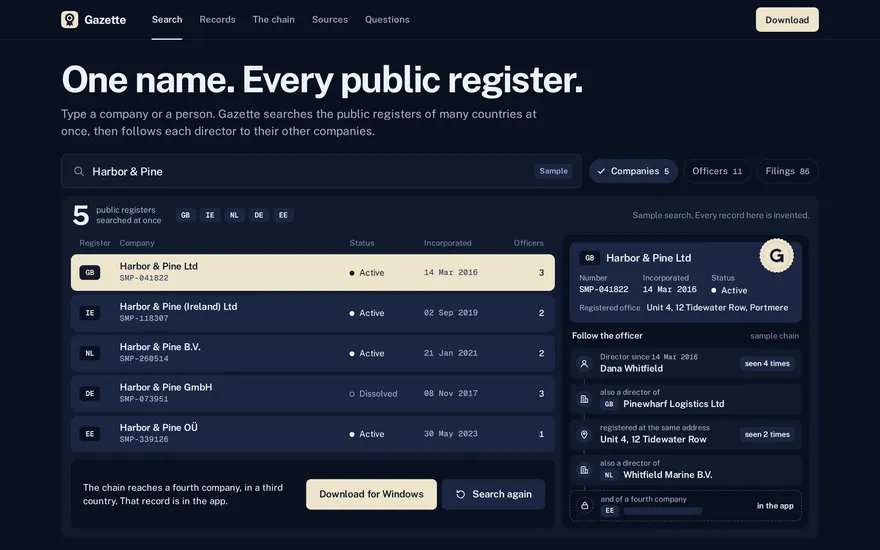

Company registers
Searches the public company registers of many countries at once and follows the directors.
Open website
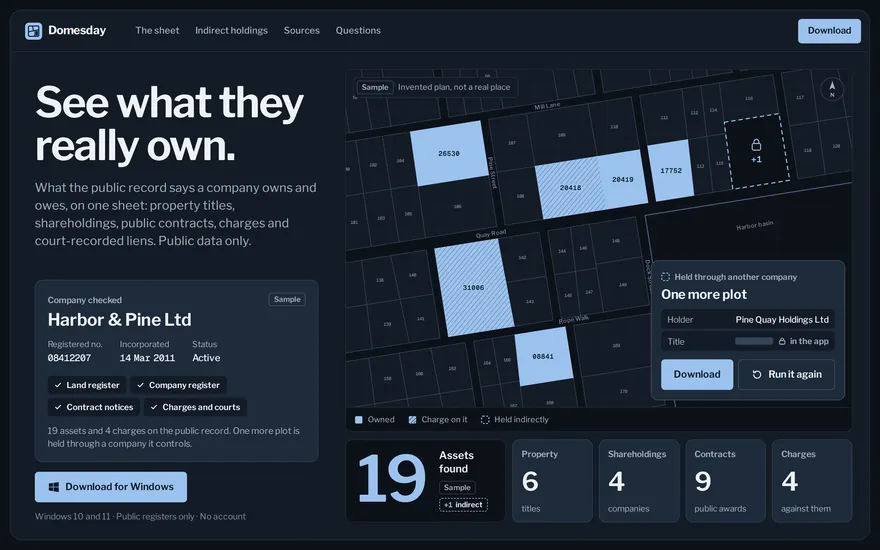

Asset records
Puts what the public record says a company owns and owes on one sheet.
Open website
Domain and website checks: what stands behind a site, whether a shop can be trusted, and what a page said before it was changed.
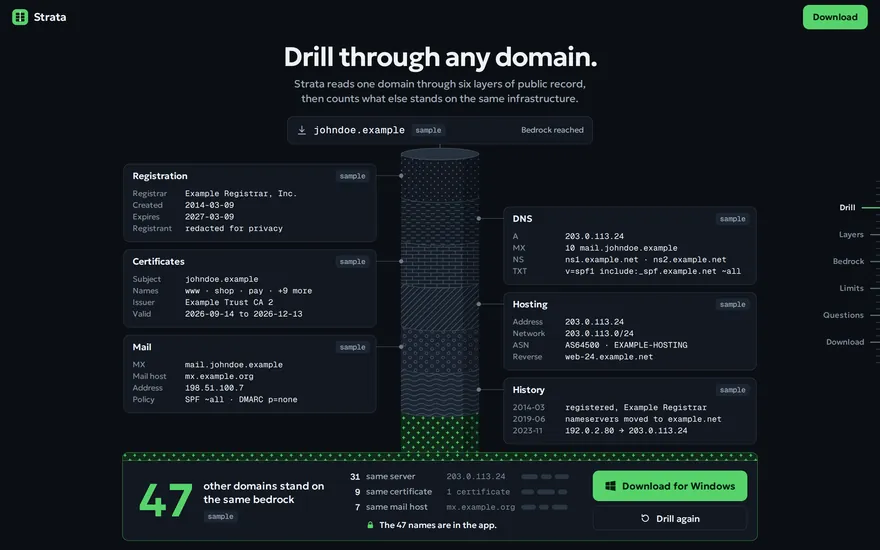
Domain recon
Reads a domain through six layers of public record and counts what else shares its servers.
Open website
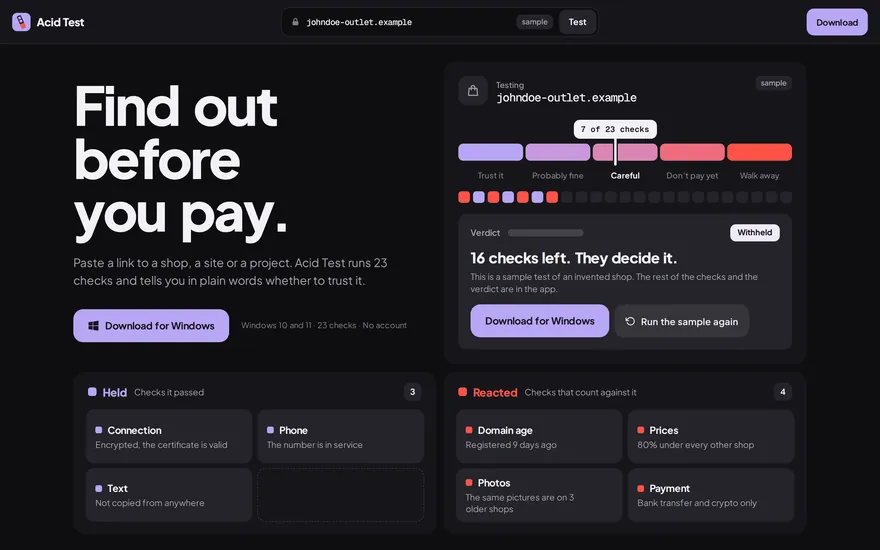

Scam checker
Runs 23 checks on a shop, a site or a project and says in plain words whether to trust it.
Open website
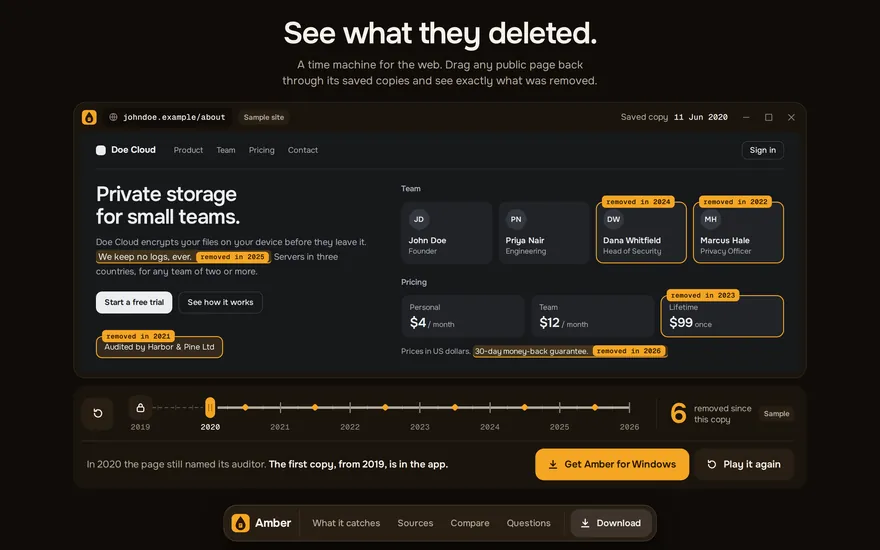
Web archive viewer
Moves a public page back through its saved copies and marks what was removed or changed.
Open website
Open-source monitoring of events as they start.
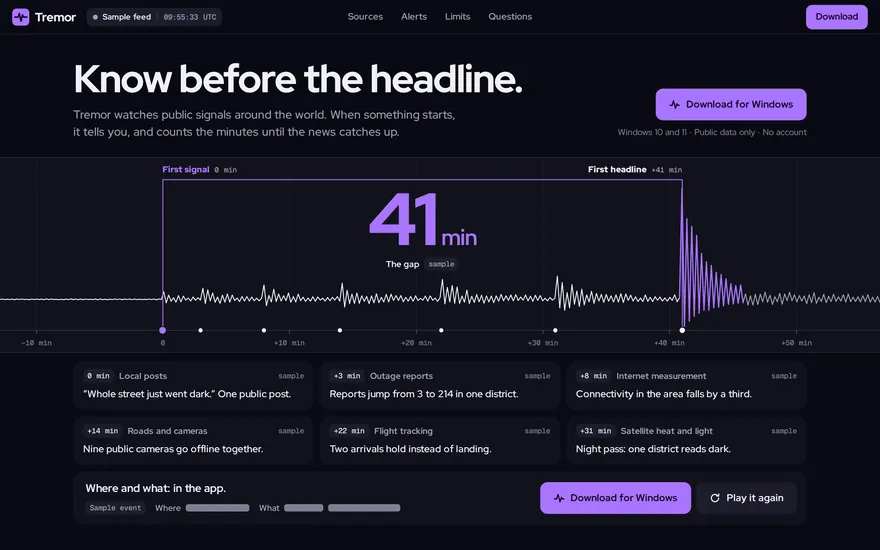

Event monitor
Watches public signals around the world and alerts you when something starts.
Open website
Blockchain analysis on public ledgers: trace a wallet, follow funds across chains, score an address before money moves and watch the largest wallets.
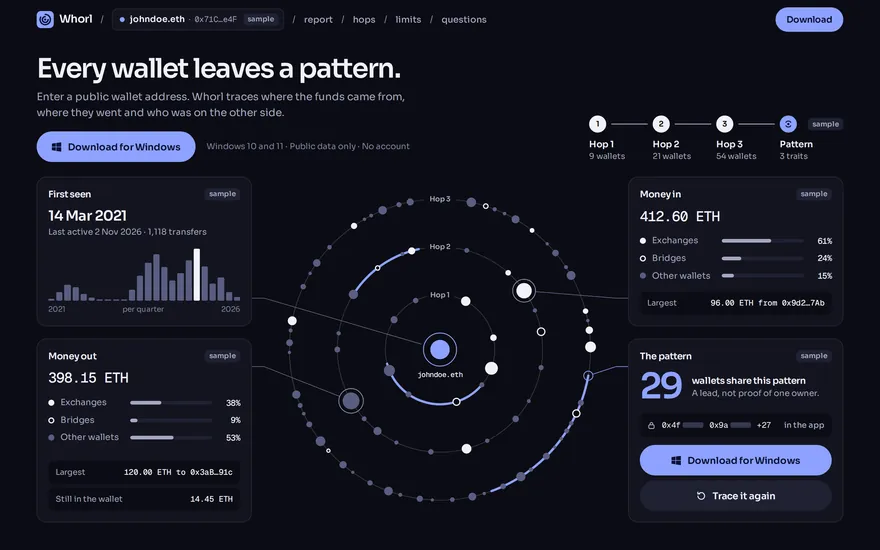

Wallet investigation
Investigates a public wallet address: where the funds came from and where they went.
Open website
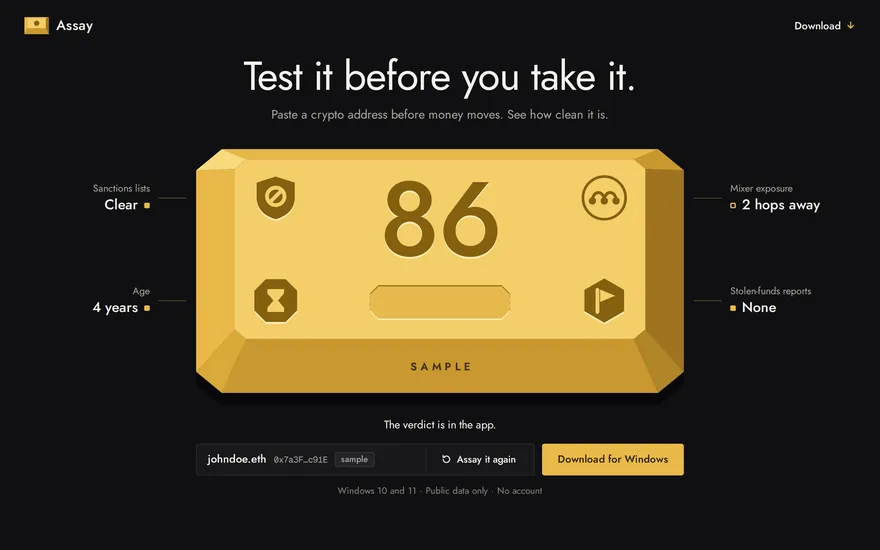

Address AML check
Scores a crypto address before money moves: sanctions, mixer exposure, theft and scam reports.
Open website
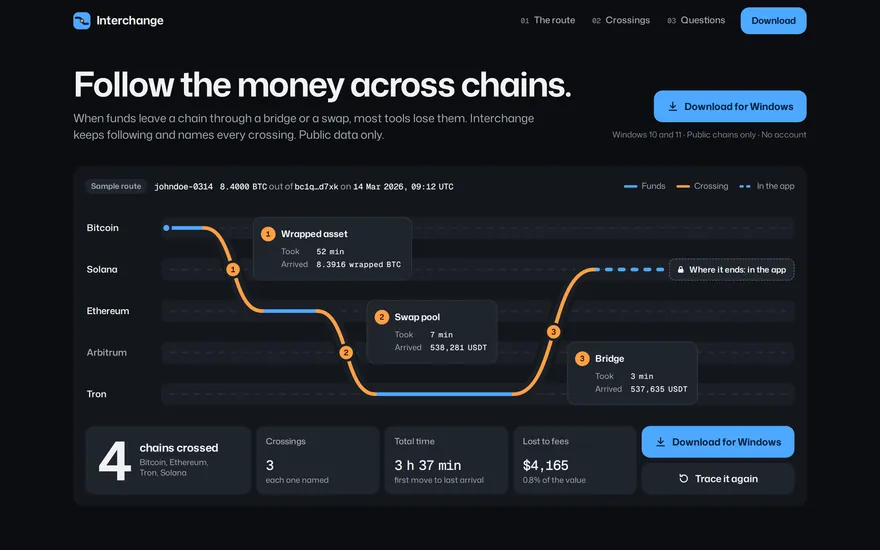

Cross-chain tracing
Follows crypto across blockchains and names every bridge, swap and wrapped asset on the route.
Open website
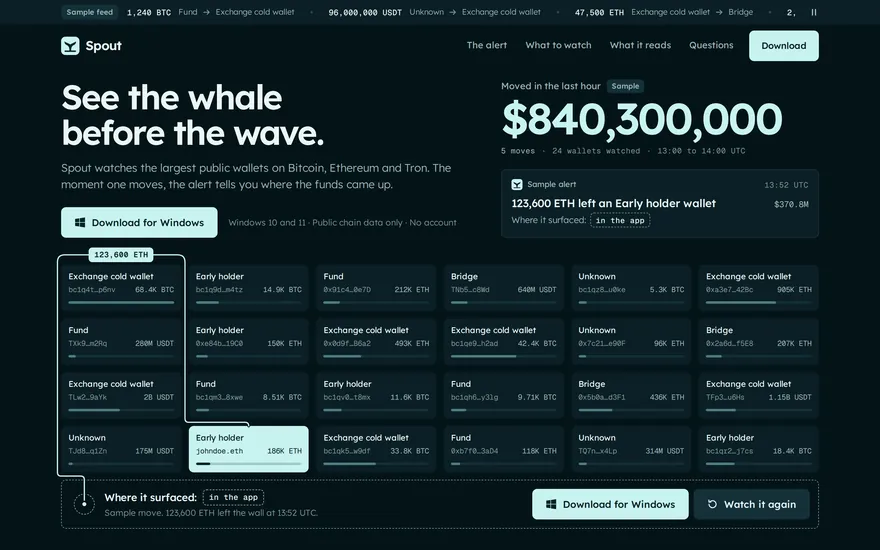

Whale alerts
Watches the largest public crypto wallets and tells you where the funds come up next.
Open website
Tools that run a whole investigation, from one clue or one question to a case file with a source on every line.
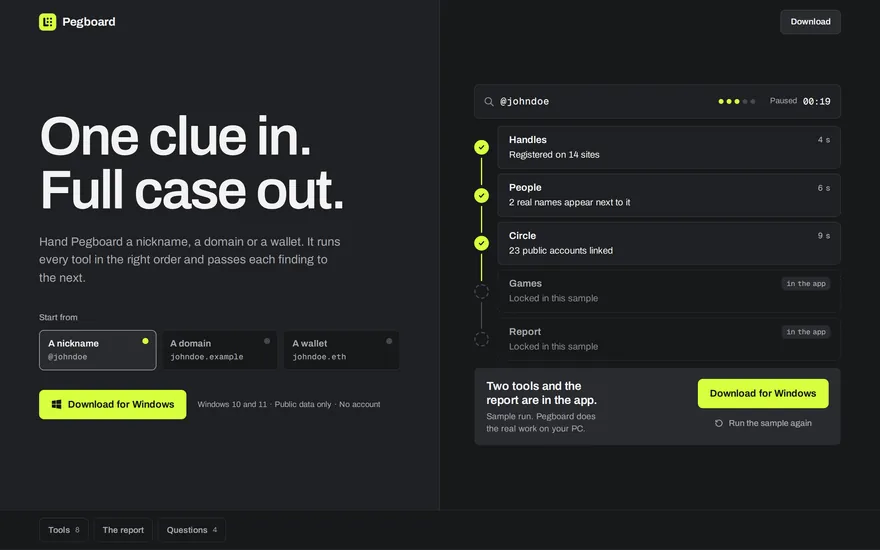

All-in-one toolkit
Takes one clue, runs the tools in order and hands you the finished case.
Open website
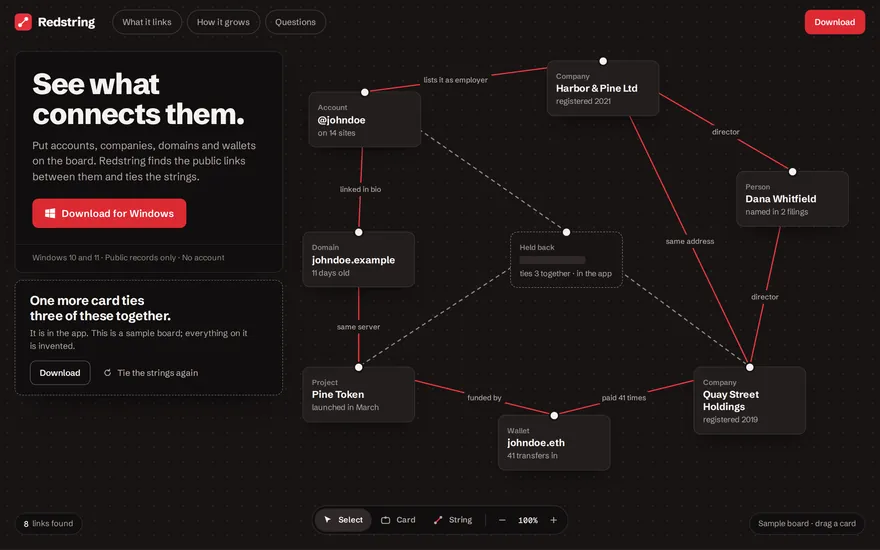

Link analysis
Finds the public links between accounts, companies, domains and wallets and draws them as a board.
Open website
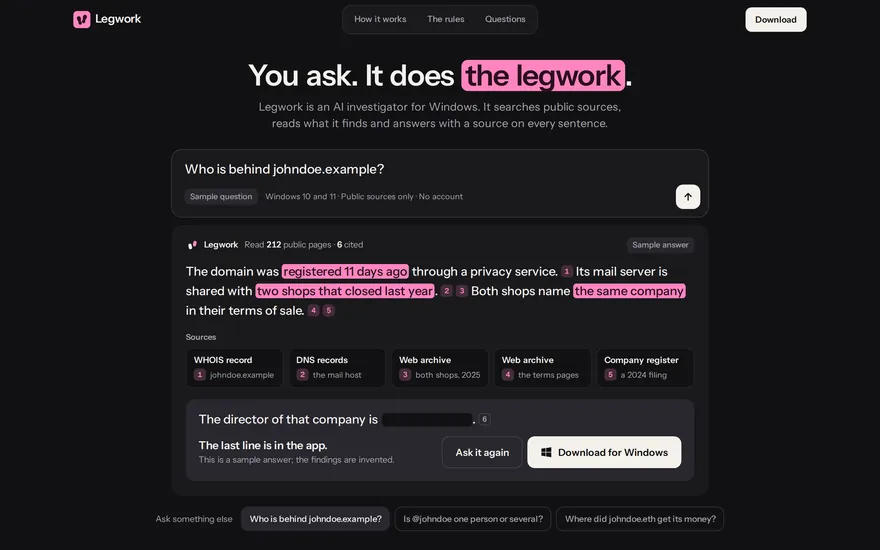

AI investigator
An AI investigator: ask in plain words and get an answer with a source on every sentence.
Open website
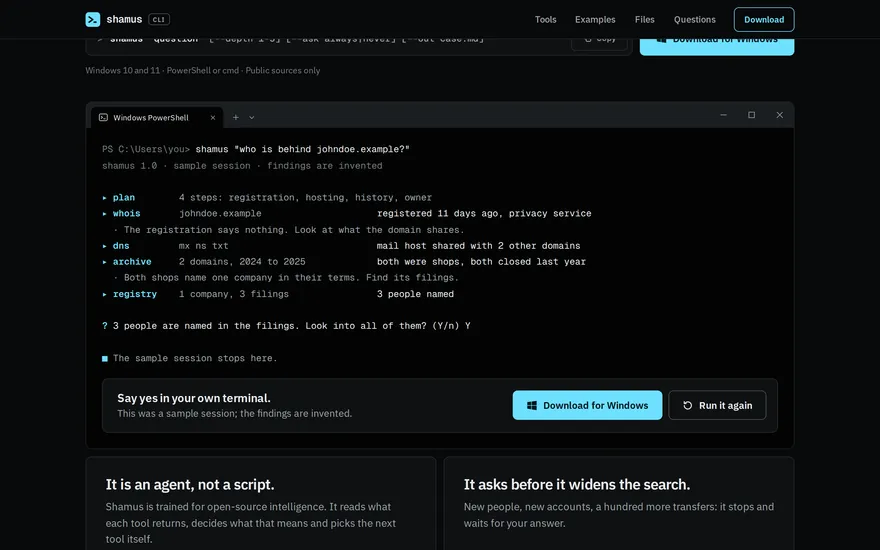

Command-line AI agent
A command-line AI agent: it picks the tools, runs them and writes the case file.
Open website
Counter-OSINT for yourself: see what a stranger can find about you, and stop your files from telling more.
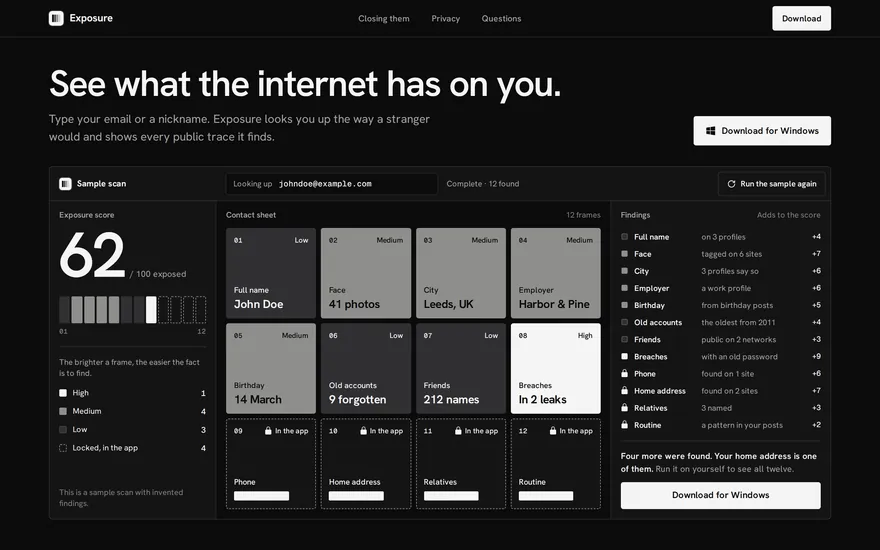

Footprint scanner
Looks you up the way a stranger would and shows every public trace, and how to close it.
Open website
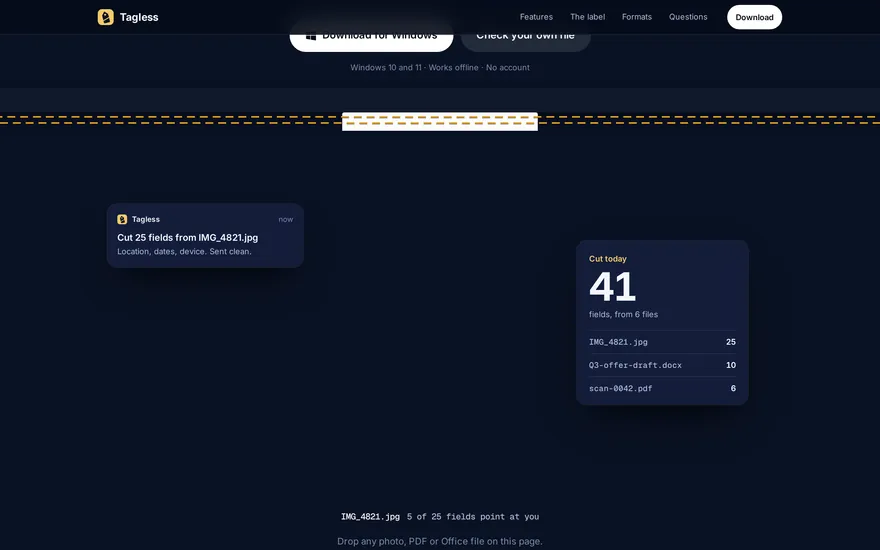

Metadata remover
Sits in the tray and removes the metadata from every file you share.
Open website
Every tool reads what anyone can already open, or what you hand it yourself. What you do with the result is on you.
Made for investigators, journalists, security teams, due-diligence work and people checking themselves.
Short answers. Each tool’s own page has the long ones.
The front page of a family of 22 OSINT tools for Windows. Each one does one job and has its own page. Fieldkit puts them side by side, shows each at work and points you to the ones that start from what you have. It looks nothing up itself.
No app in the kit is released yet, which is why every one says “coming soon”. The price is not decided either. For now each page shows how its app works, on sample data that is labelled as sample. The clips on this page are recorded from those pages.
Public data: what anyone can open without logging in. Public profiles and pages, company and domain registers, web archives, open satellite and sensor feeds, public blockchains. Four of them work on what you hand them instead: Loupe and Azimuth on a photo or video, Tagless on your files, Exposure on your own email or nickname.
Reading public information is what anyone can do by hand, and it is routine work for newsrooms, security teams and due-diligence checks. Laws differ by country and every source has its own terms, so follow both. None of these apps is for harassing or stalking anyone.
22 tools and 6 kits. All for Windows, none released yet.
Back to the top